Video-call quality is a room problem. Camera position, window direction, reflected light, microphone distance and hard surfaces shape the result before software enhancement begins.
Start with a repeatable seat and a five-minute recording. Watch it with headphones, note what is distracting and change one variable at a time. A modest setup that stays ready is more valuable than equipment that requires rebuilding before every call.
Best for
Remote workers and households that use a shared room for regular calls.
Skip it if
The connection itself is unstable; network reliability should be fixed first.
Control the brightest source
If a window sits behind you, close a shade or rotate the desk so light falls across the face. Direct noon sun is harsh; diffuse daylight from the side is usually easier to balance with a lamp.
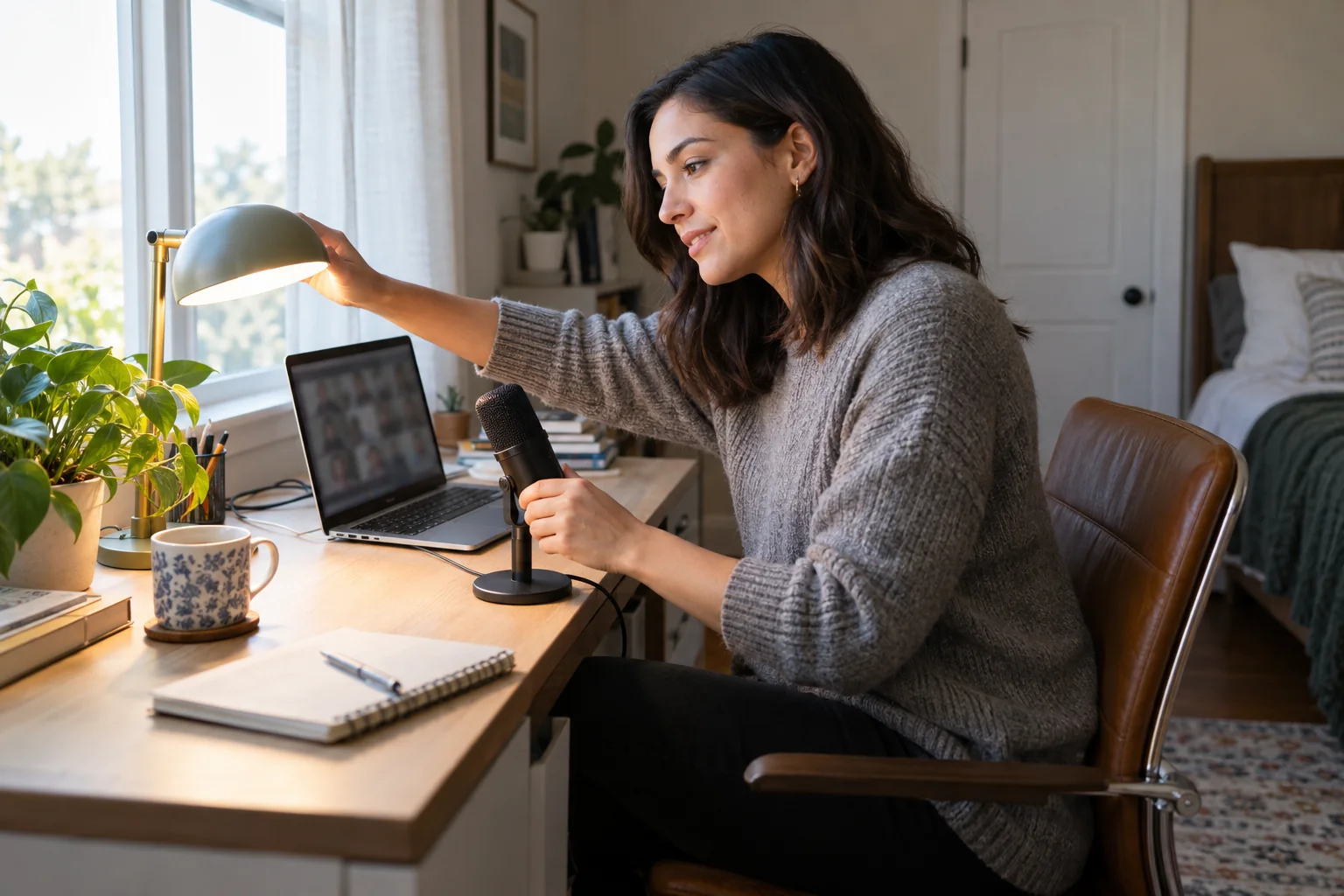
Place a soft task light slightly above eye level and off-axis. Match it to the room rather than mixing a very cool face light with warm lamps in the background.
Improve sound by reducing distance
A microphone closer to the mouth captures more voice relative to room noise. Headset, wired earbud or compact desktop microphones can all work when positioned consistently. Test typing, chair movement and heating noise.
Soft furnishings reduce harsh reflection, while an empty room can sound distant. Close the door, silence unnecessary alerts and avoid putting a speaker directly behind the microphone.
Build a two-minute reset
Use a small basket or cable clip so the headset and charging lead return to the same place. Save one lighting scene and a camera framing mark rather than adjusting several apps.
Check the preview before joining: lens height, exposure, microphone selection and background. Software updates can silently change the chosen audio device.
Before you spend
- Move the brightest light in front of you
- Raise the camera near eye level
- Bring the microphone closer
- Record a short real-world test
- Keep one repeatable call scene