Connected equipment sits between personal account data and building infrastructure. Some devices move easily; others are fixtures, security equipment or part of the sale. Decide what stays in writing, then reset and transfer it according to the maker process.
The new home is also an opportunity to rebuild deliberately. Do not reconnect every old gadget on day one. Establish the network, primary platform and naming plan before bringing back automations.
Best for
Renters and homeowners moving with hubs, cameras, locks, lights and connected appliances.
Skip it if
Ownership of installed devices has not been agreed with the landlord, buyer or seller.
Create the stay-or-go inventory
List every device, model, room, account and physical accessory. Mark portable items, installed fixtures and devices promised with the property. Include bridges, power supplies, QR codes and mounting parts; a sensor without its hub is not a complete handover.
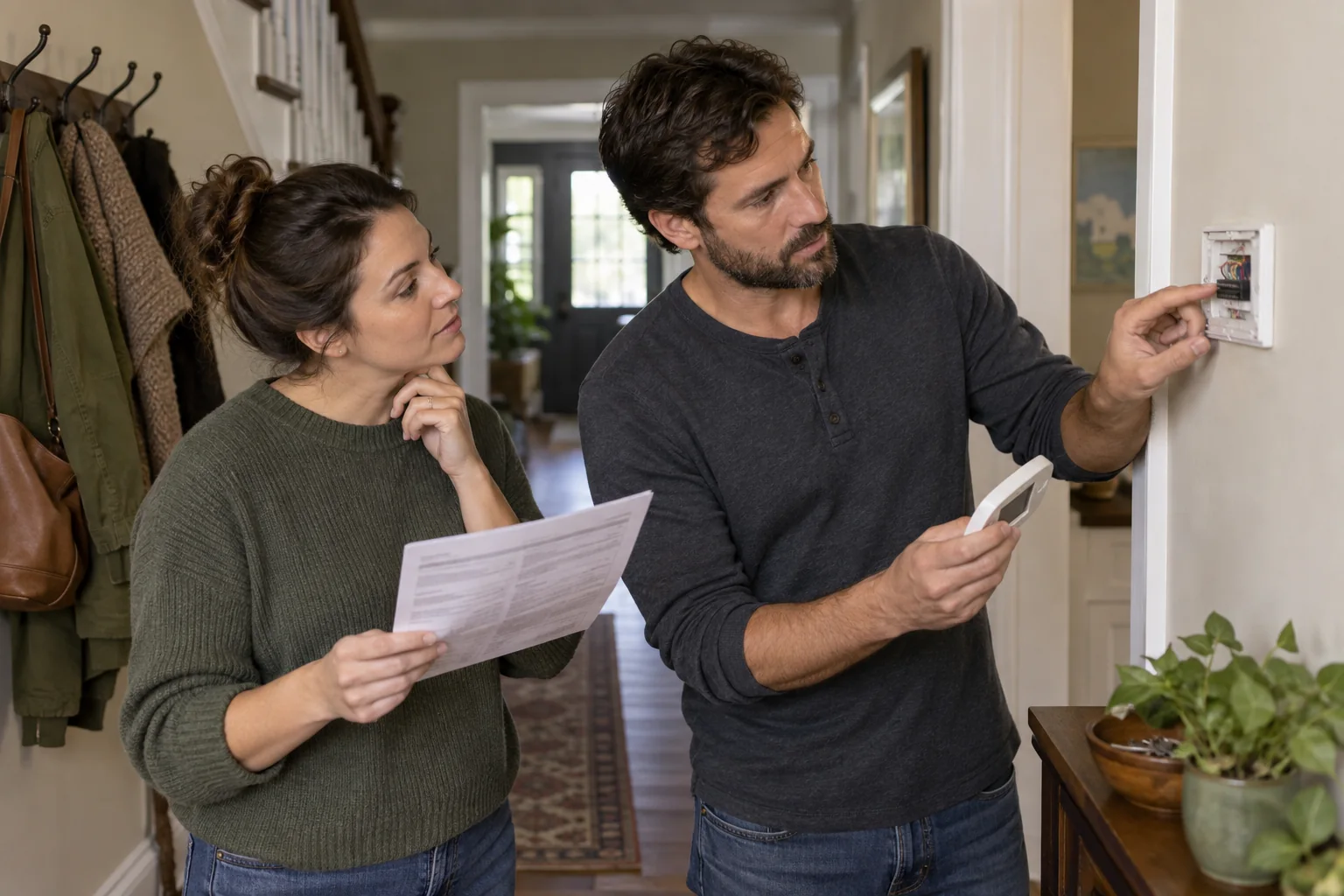
Photograph installed condition and record agreement in the appropriate move or sale documents. Do not assume a smart thermostat, lock or switch belongs to the person who installed it. Restore approved standard hardware where required.
Remove identity before removing hardware
Download any records you are entitled to keep, then remove shared users, integrations and recordings according to policy. Transfer supported devices through the official process or factory-reset them only when the handover is ready. Test that your account no longer controls equipment left behind.
For locks and cameras, coordinate timing carefully so the property is never left inaccessible or unprotected. Give the new resident setup codes and manuals without sharing your passwords.
Rebuild the new home in layers
Start with the modem, router and a secure network name. Place the primary hub and border routers, then add lights and switches before complex routines. Use new room-based names instead of carrying confusing labels from the previous address.
Wait a week before recreating every automation. The new home has different daylight, traffic and routines. Rebuild only the scenes that solve a current problem, and recycle or securely reset devices you no longer need.
Before you spend
- List every device and accessory
- Agree what stays in writing
- Remove users and recordings
- Use official transfer or reset steps
- Rebuild the new home network first