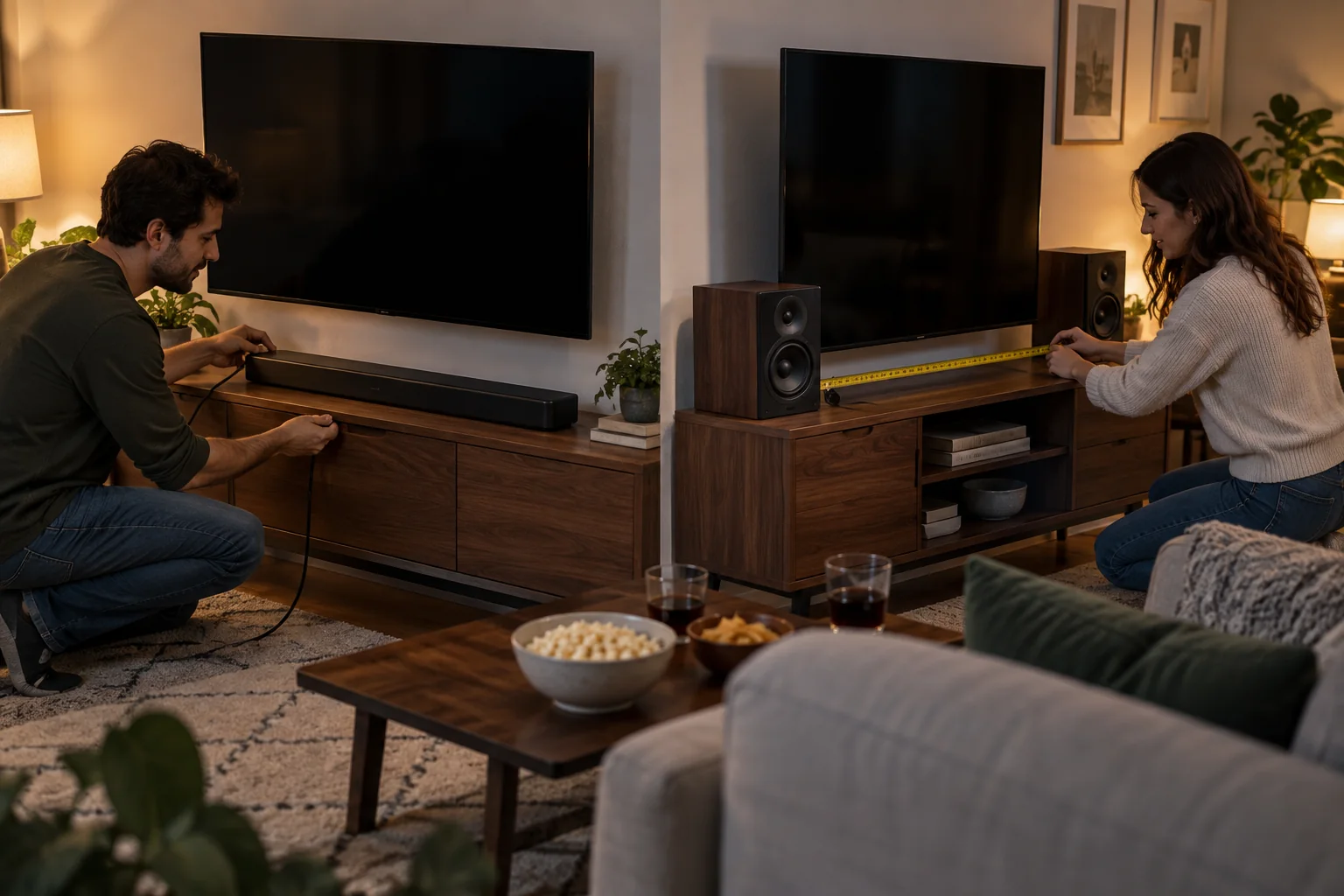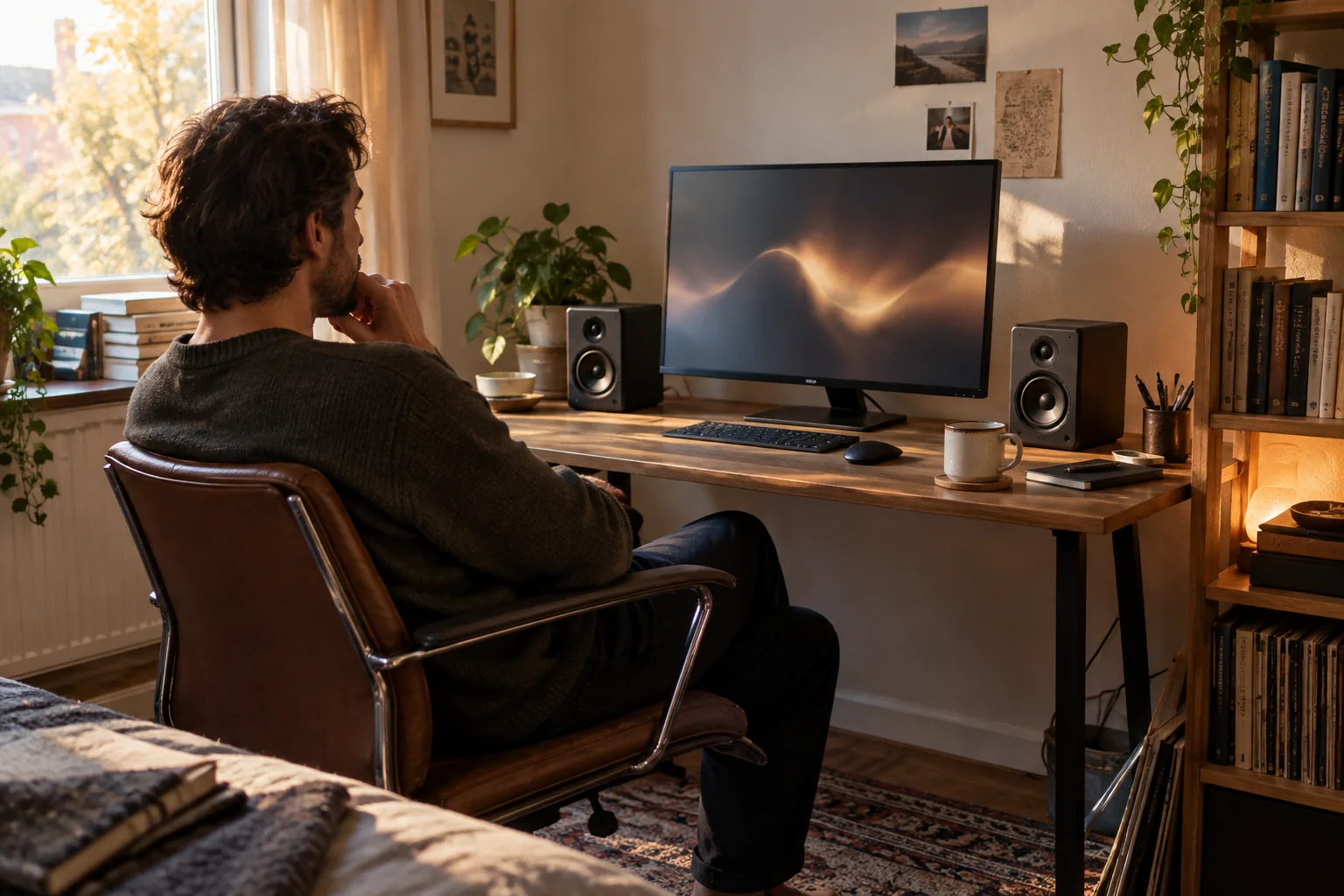
Near-field listening changes the buying equation. At a desk, speakers sit close, require little room-filling output and reveal poor placement quickly. The surface, wall distance and left-right symmetry matter.
Headphones solve privacy and late-night volume, while speakers feel more natural for long work sessions. Many households need both, with a simple way to switch.
Best for
Bedrooms, apartments and small home offices with a fixed desk position.
Skip it if
The desk cannot place left and right speakers without blocking screens or creating unsafe cable routes.
Measure the listening triangle
Place left and right speakers roughly symmetric to the seat and aim them according to maker guidance. Raising tweeters toward ear level often improves clarity more than adding volume.
Keep some distance from corners when possible. A speaker pressed into a corner can exaggerate bass, while one hidden behind a monitor can narrow and color the sound.
Choose the connection you will use
Computer audio may travel by cable, Bluetooth, AirPlay or a network app. Each path has different latency and switching behavior. Video editing and calls usually favor a direct, predictable connection.
If speakers are part of a wider home system, confirm how computer input joins it and whether adapters are required. Do not assume a wireless room speaker behaves like a universal computer speaker.
Control bass at the source
Decouple speakers from a resonant desk and listen at the normal seat before adding a subwoofer. Apartment floors and shared walls transmit low frequencies in ways a room correction feature cannot eliminate.
Use night modes or headphones when appropriate. A respectful listening plan is a feature, not an afterthought.
Before you spend
- Measure available speaker width
- Raise drivers toward ear height
- Confirm the computer input path
- Test desk vibration and wall distance
- Plan a quiet-hours alternative