The most valuable home-office upgrades change posture, clarity or reliability for hours every week. Raise the screen, put light on the face, move the microphone closer and create a wired or strongly covered network path.
Start with a photograph of the desk during a normal call. The image reveals glare, clutter, cable risks and background distractions more honestly than an accessories list.
Best for
People working several days a week from a compact room, bedroom corner or shared space.
Skip it if
The desk dimensions and daily device workflow are still changing.
Improve the physical frame first
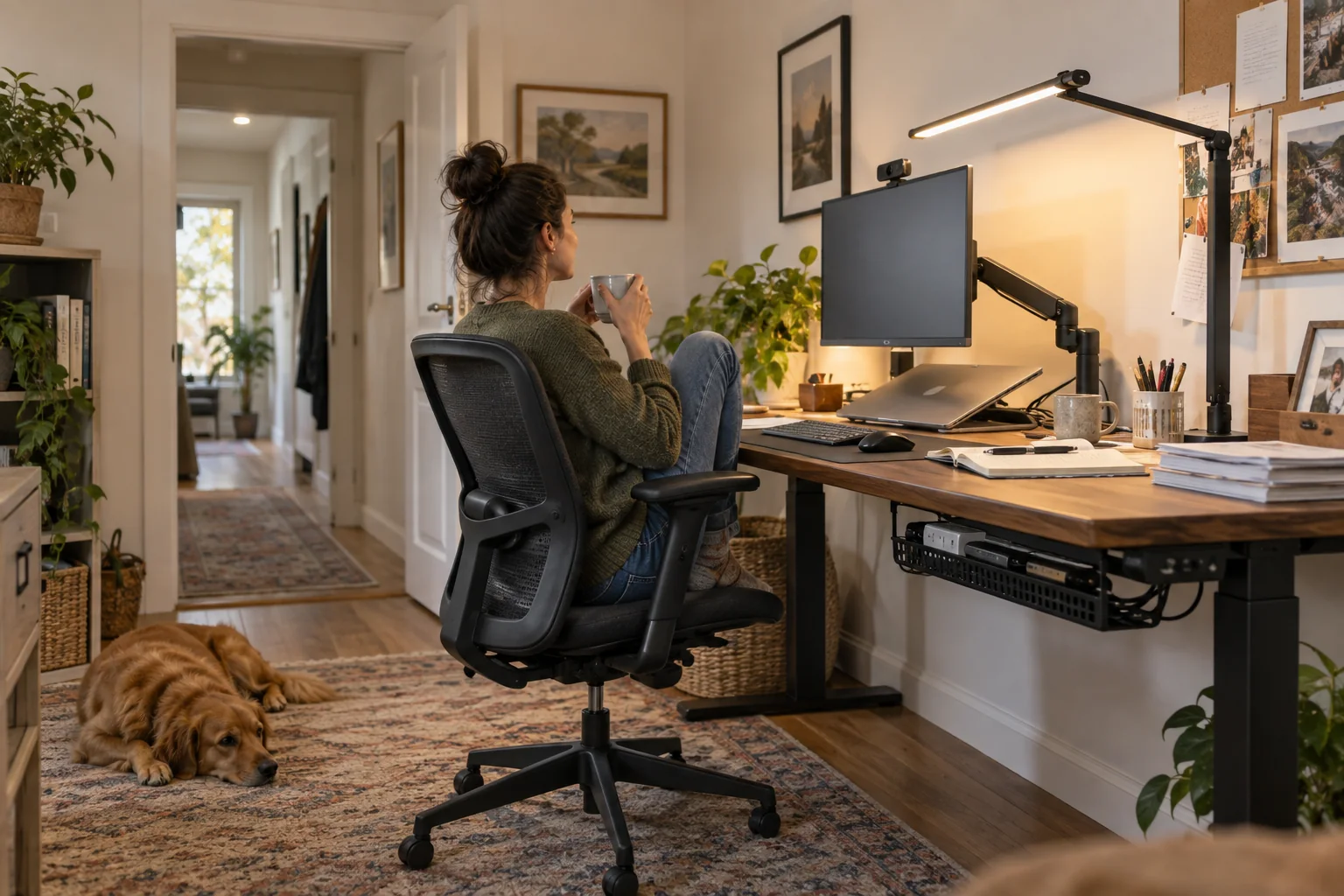
Place the top third of the main display near eye level and at a comfortable viewing distance. A monitor arm can recover desk depth, but check the desk edge, clamp clearance and display weight before buying. Laptop stands need an external keyboard and pointing device for sustained use.
Use one soft light in front and slightly above eye level. A bright window directly behind the chair forces the camera to choose between a dark face and a white background. Rotate the desk or add an adjustable shade before adding a ring light.
Move audio closer, not louder
A modest microphone near the speaker usually beats a distant premium microphone in a reflective room. A headset is predictable for shared homes; a directional desk microphone works when the room is quiet. Soft furnishings and a closed door reduce echo more effectively than software alone.
For music between calls, keep entertainment audio separate from the call path if switching becomes confusing. A compact room speaker can be pleasant, but it should not crowd the monitor or become another microphone in a room where privacy matters.
Design power and network for a bad day
Route power so no cable crosses the chair or doorway. Mount a surge-protected strip under the desk if appropriate, label the power adapter and leave enough slack for a sit-stand surface. Smart plugs are suitable only for loads within their ratings and should not control computers that require proper shutdown.
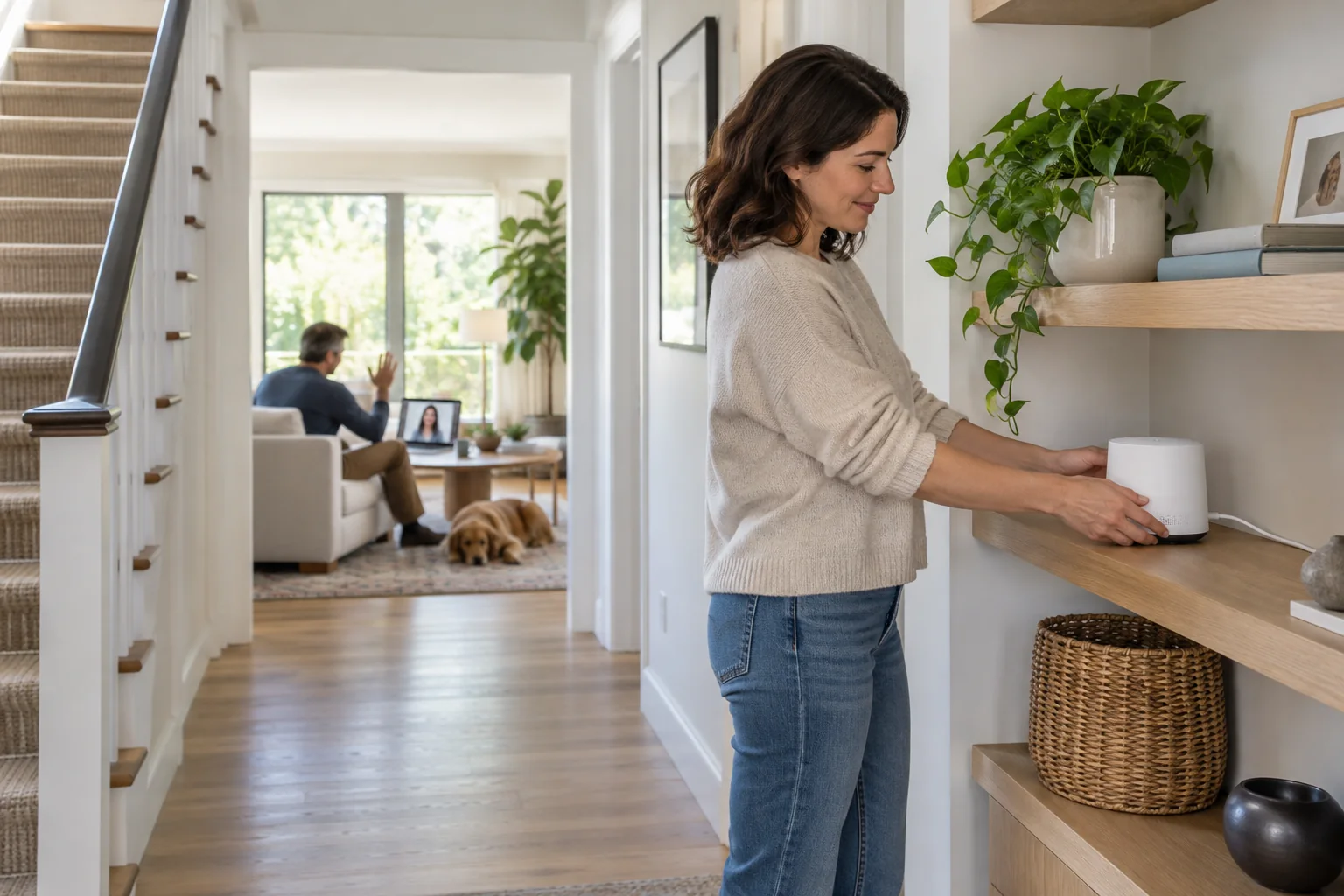
If calls fail in this room, test Ethernet first. A cable or well-placed mesh node can be more valuable than a faster internet tier. Keep the work computer on a guest or isolated network if employer guidance requires it, and follow company security policy rather than inventing a home workaround.
Before you spend
- Photograph the call view
- Check monitor-arm limits
- Put light in front of the face
- Move the microphone closer
- Create a safe power and network route