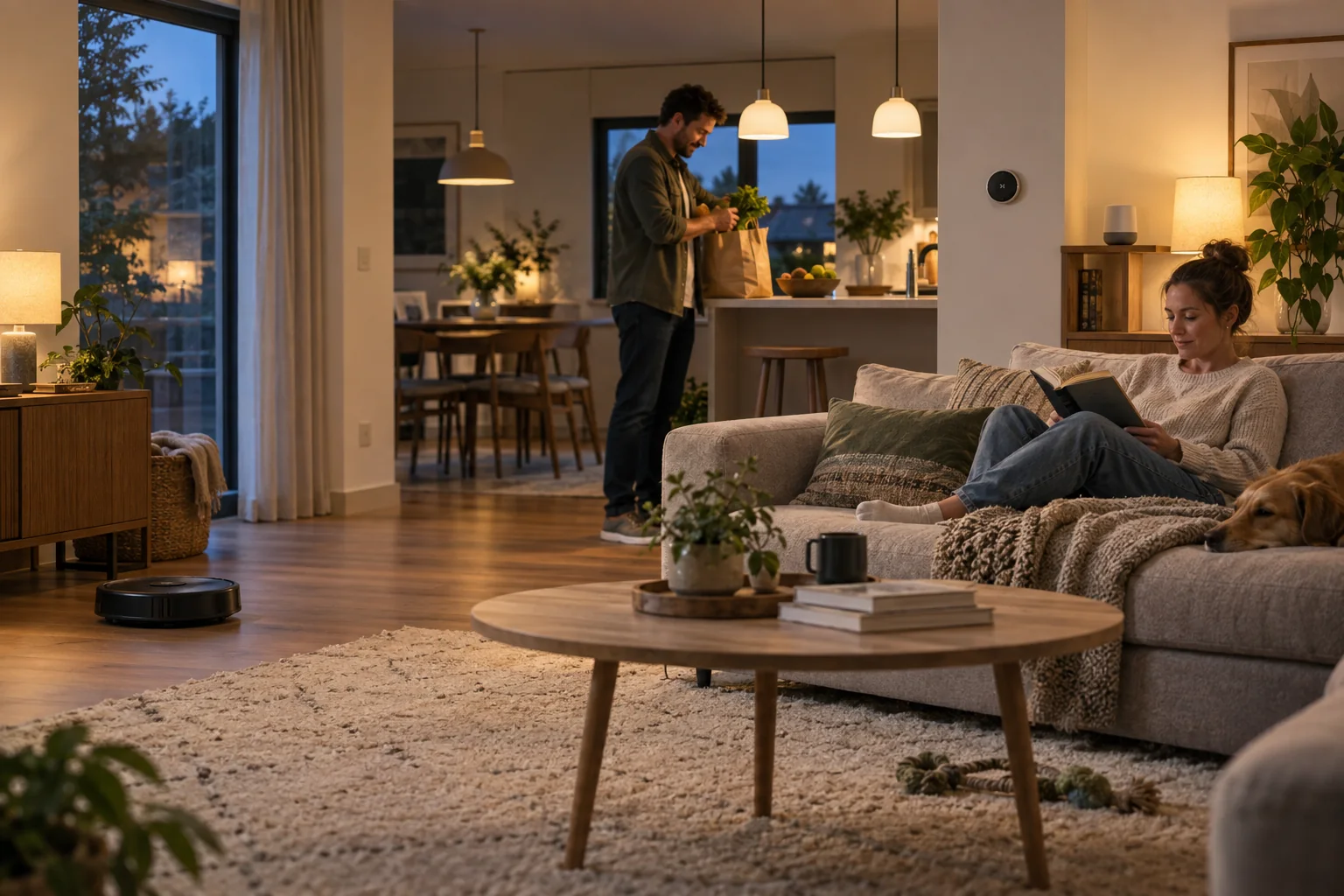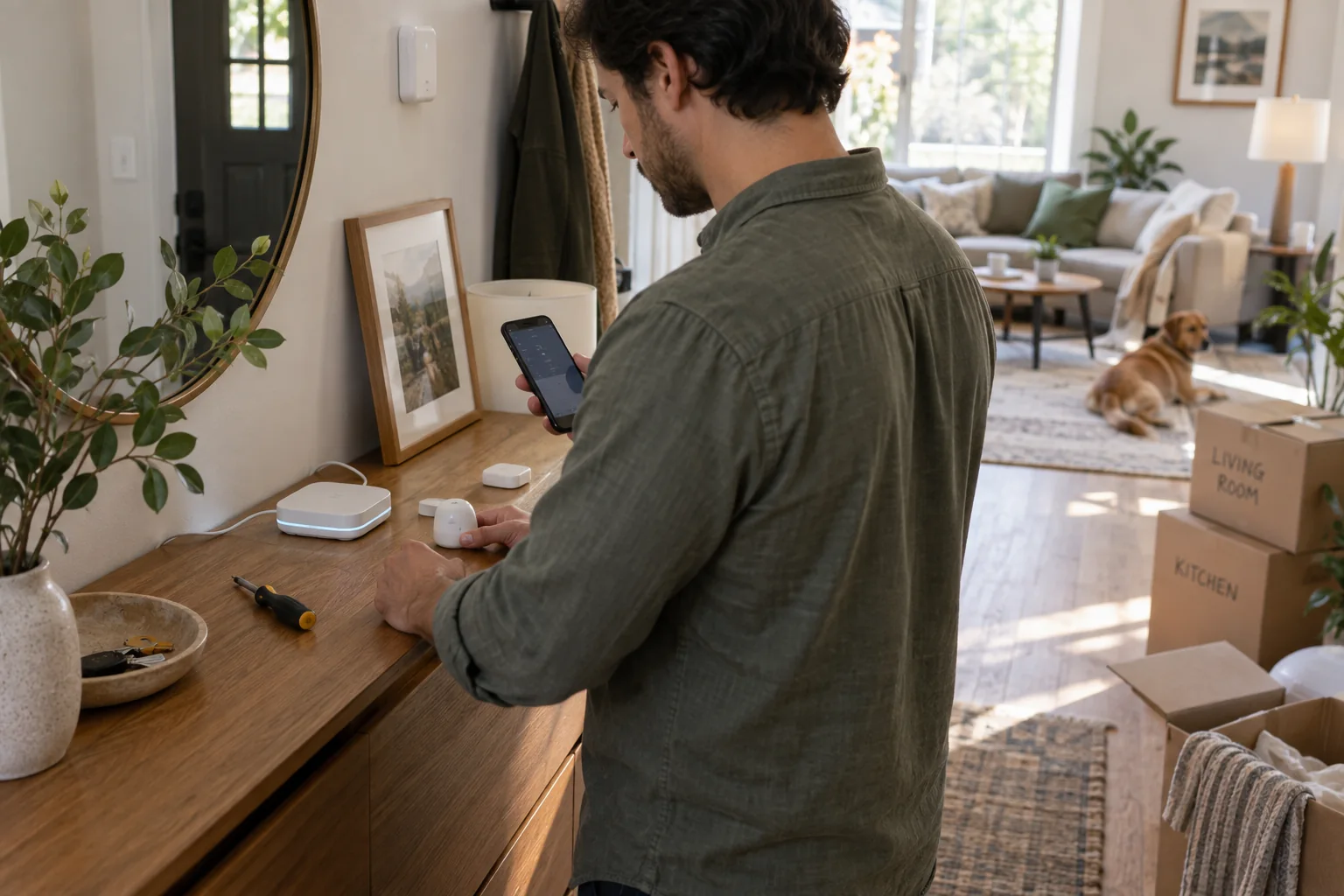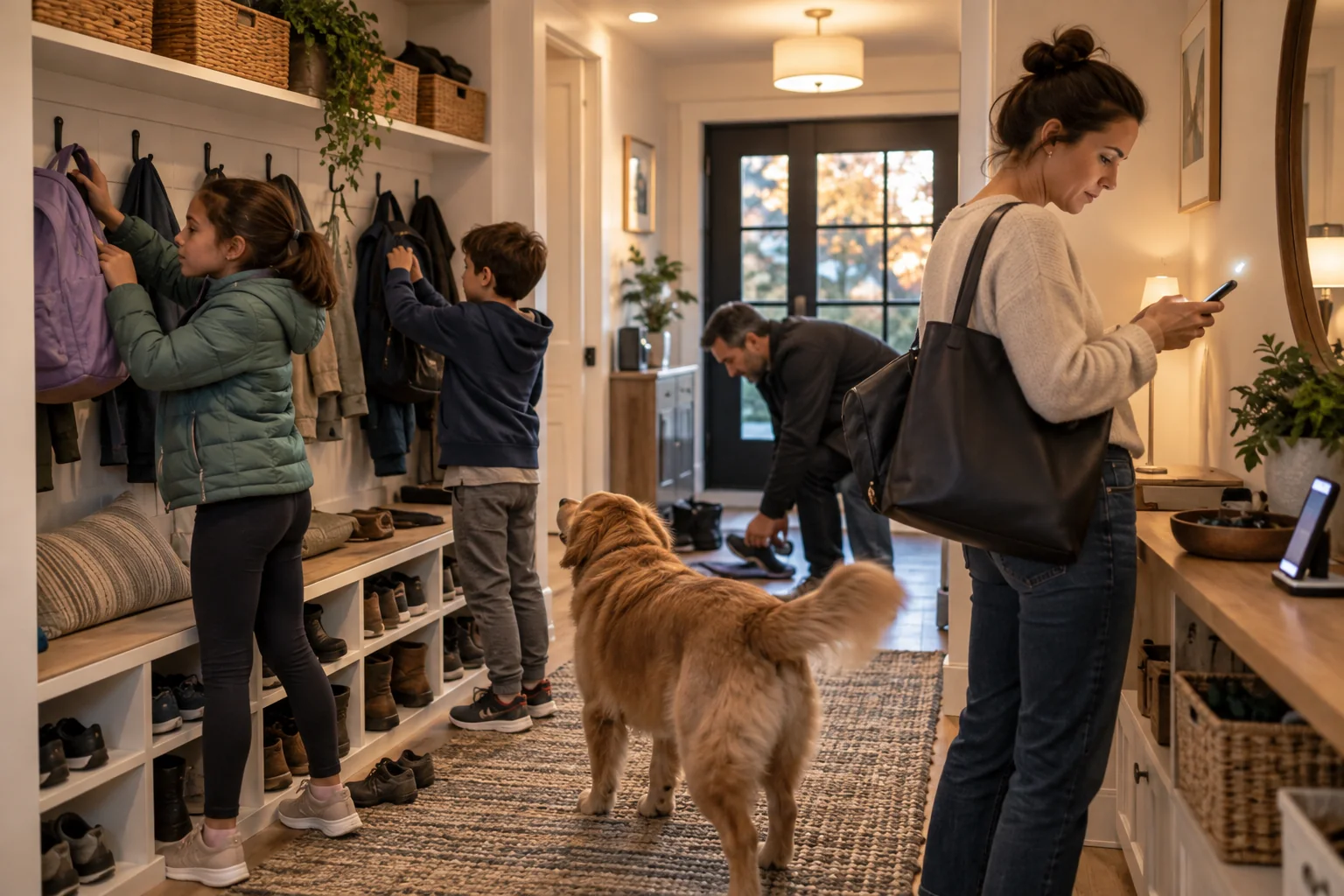
Family automation should reduce coordination, not create another system that one adult secretly maintains. The best routines attach to visible household transitions and still make sense when a phone is left at school.
Use simple names, physical triggers and conservative notifications. If children and guests cannot understand how to stop a scene, it is not finished.
Best for
Busy households with repeatable arrival, homework and bedtime transitions.
Skip it if
The routine depends on every family member carrying a configured phone at all times.
Choose a shared transition
Arrival, dinner and bedtime are better first routines than a complex web of individual preferences. For arrival, turn on the hall and kitchen, set a comfortable temperature and leave everything else alone. Add one step only after the first version survives a normal week.
Name routines with household language such as “We’re home” or “Good night.” Avoid device names and technical terms. Put a scene button where the action occurs so a person without the app has equal control.
Make exceptions easy
A sick day, sleepover or late shift will break a rigid schedule. Provide a visible pause or alternate mode instead of forcing someone to edit the automation. Time-limited overrides prevent a one-off change from staying forever.
Use announcements sparingly. A spoken reminder can help during the school rush, but repeated or personal messages in shared rooms can embarrass and annoy. Keep sensitive reminders on personal devices.
Share administration without sharing everything
Create household roles with the minimum permissions needed. Children may control lights without changing locks or account settings. Remove old phones and guest access, and explain what presence or sensor data the system uses.
Once a month, ask whether the routine still helps. Delete duplicated scenes and fix confusing names. A small, documented system is easier for another adult to manage when the usual administrator is away.
Before you spend
- Start with one shared transition
- Add a physical scene control
- Create a temporary override
- Limit announcements
- Review household permissions