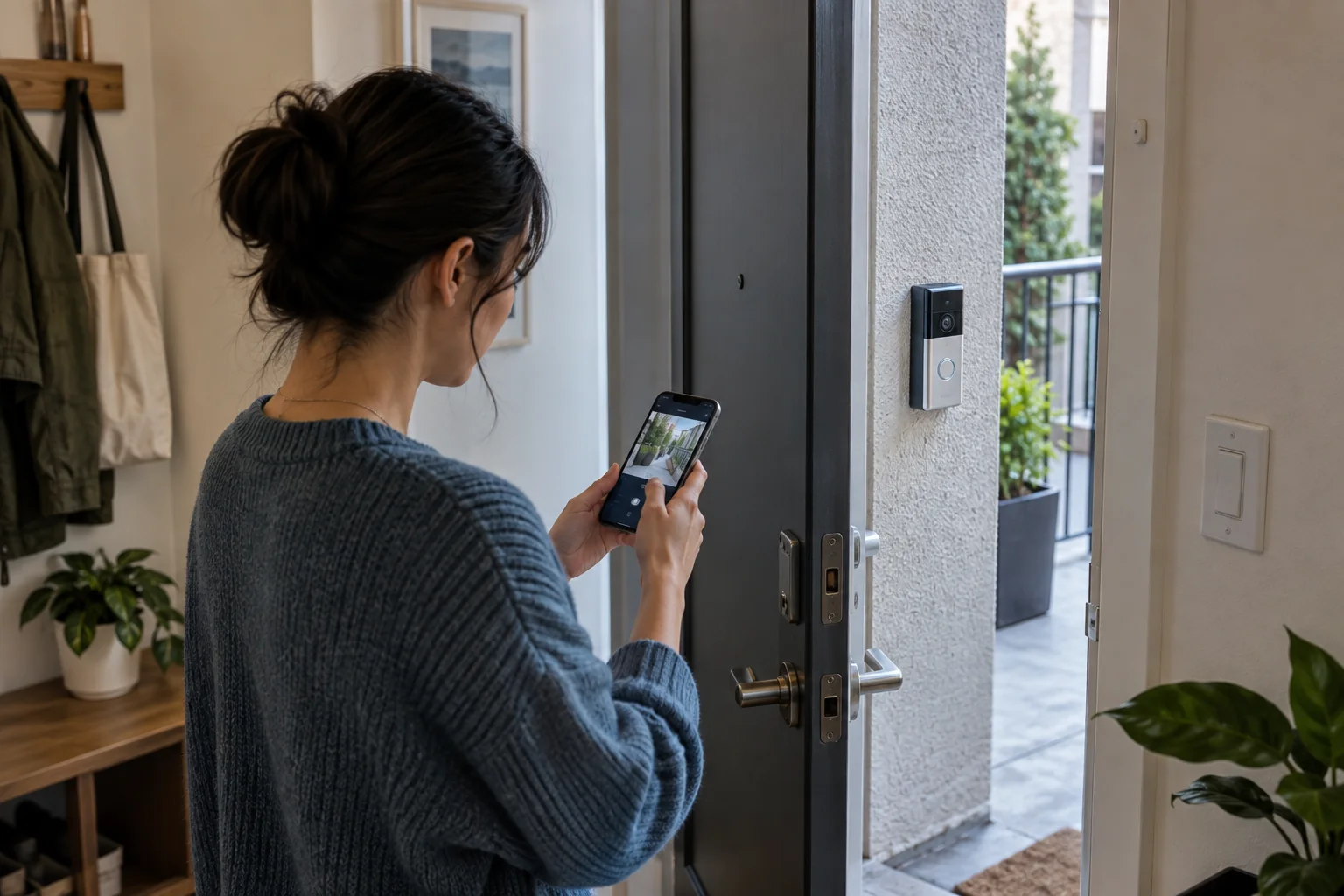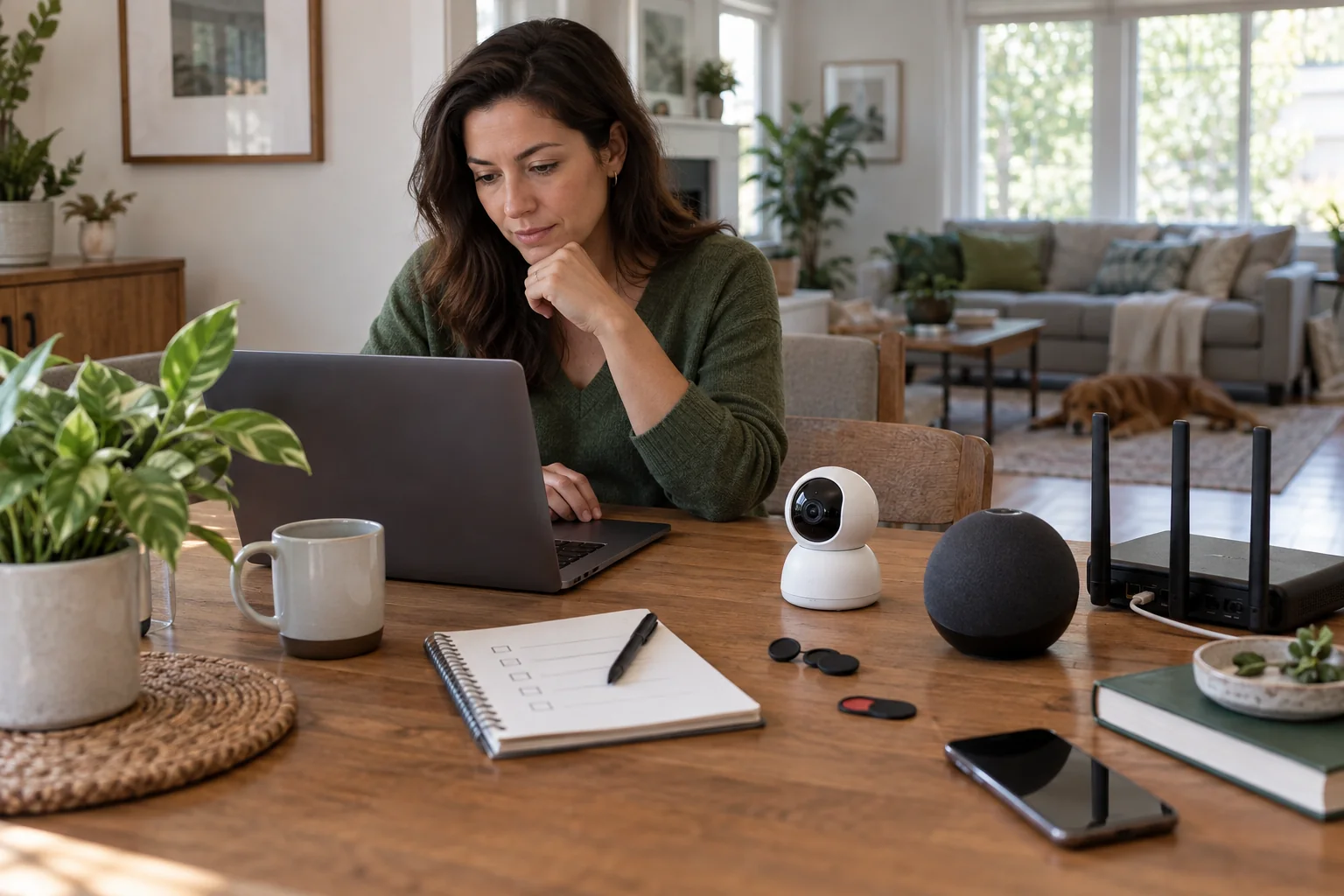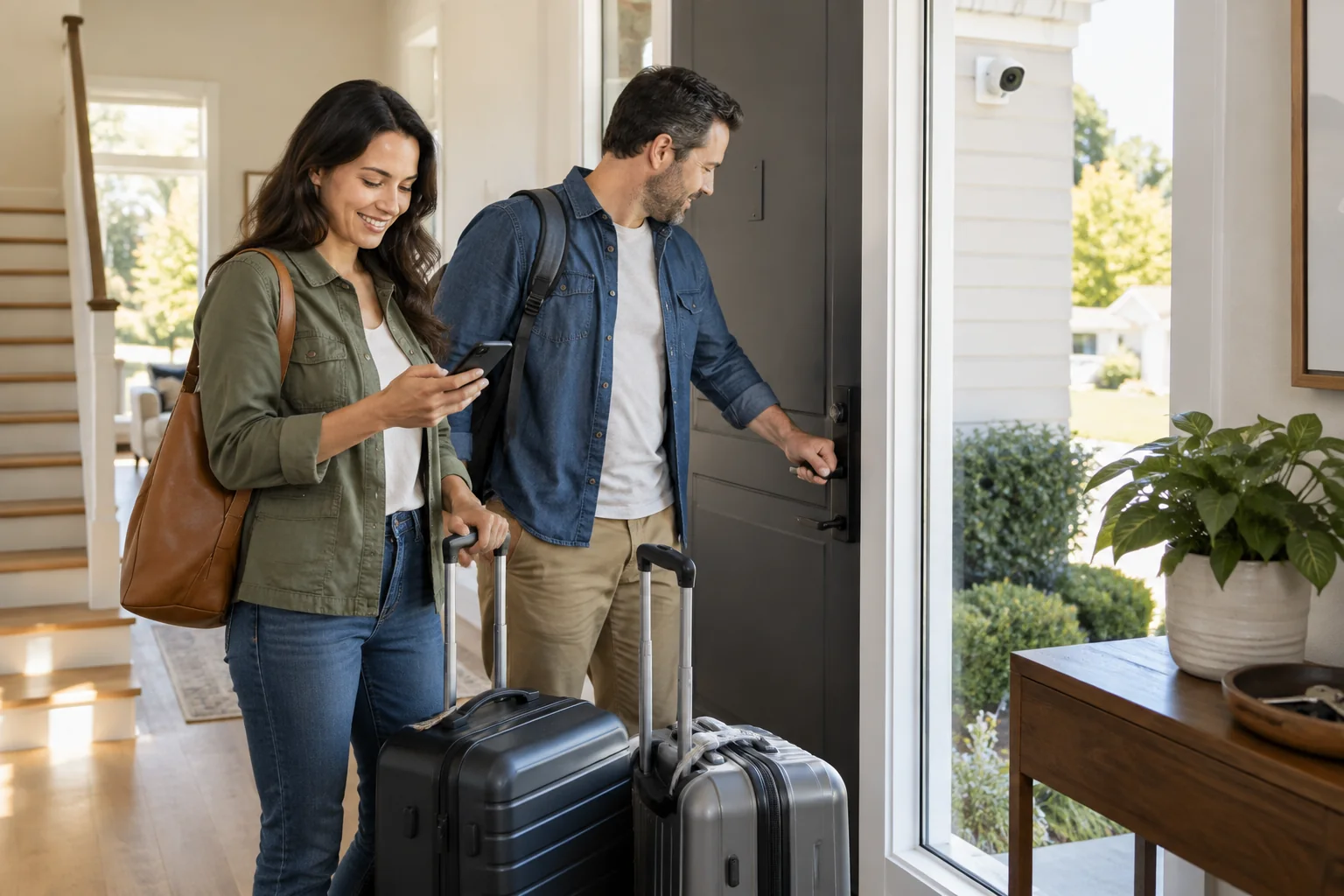
Connected devices can confirm a closed door, change lighting and adjust climate, but they also create more places to look. The goal before a trip is a small set of reliable checks and a local person who knows what to do when an alert matters.
Do not introduce new firmware, devices or complex automations the night before leaving. Stability is more valuable than a feature that has never run through a full day.
Best for
Households with locks, cameras, lighting or climate controls that will be monitored while away.
Skip it if
A device has not been tested locally or can only be recovered by someone inside the house.
Separate physical checks from app checks
Walk the property once: windows, water, doors, small appliances, bins and perishable food. Then use the app for states that are genuinely useful, such as a lock or leak sensor. A dashboard cannot confirm a window that has no sensor.
Avoid remotely switching high-load or heat-producing appliances unless the product and appliance are intended for that use. Many devices are safer unplugged.
Tune the away scene
Set a sensible temperature that protects the home and pets, then use a few varied lighting events rather than every room on a rigid loop. Outdoor lighting should support safe entrances without advertising an empty home through unusual behavior.
Camera zones and notification schedules need a rehearsal. Trees, road traffic and insects can create noise. Keep only alerts with a named response, such as a person at the door or a camera going offline.
Give a human enough context
Share access only for the period and functions needed. A neighbor may need a temporary lock code and the water-shutoff location, not access to every camera and household account.
Write down the property address, utility contacts, alarm process and who makes decisions. When you return, remove temporary access and review any alerts before restoring normal routines.
Before you spend
- Run one physical house walk
- Avoid last-minute device changes
- Test the away scene a day early
- Reduce alerts to actionable events
- Create and later remove temporary access