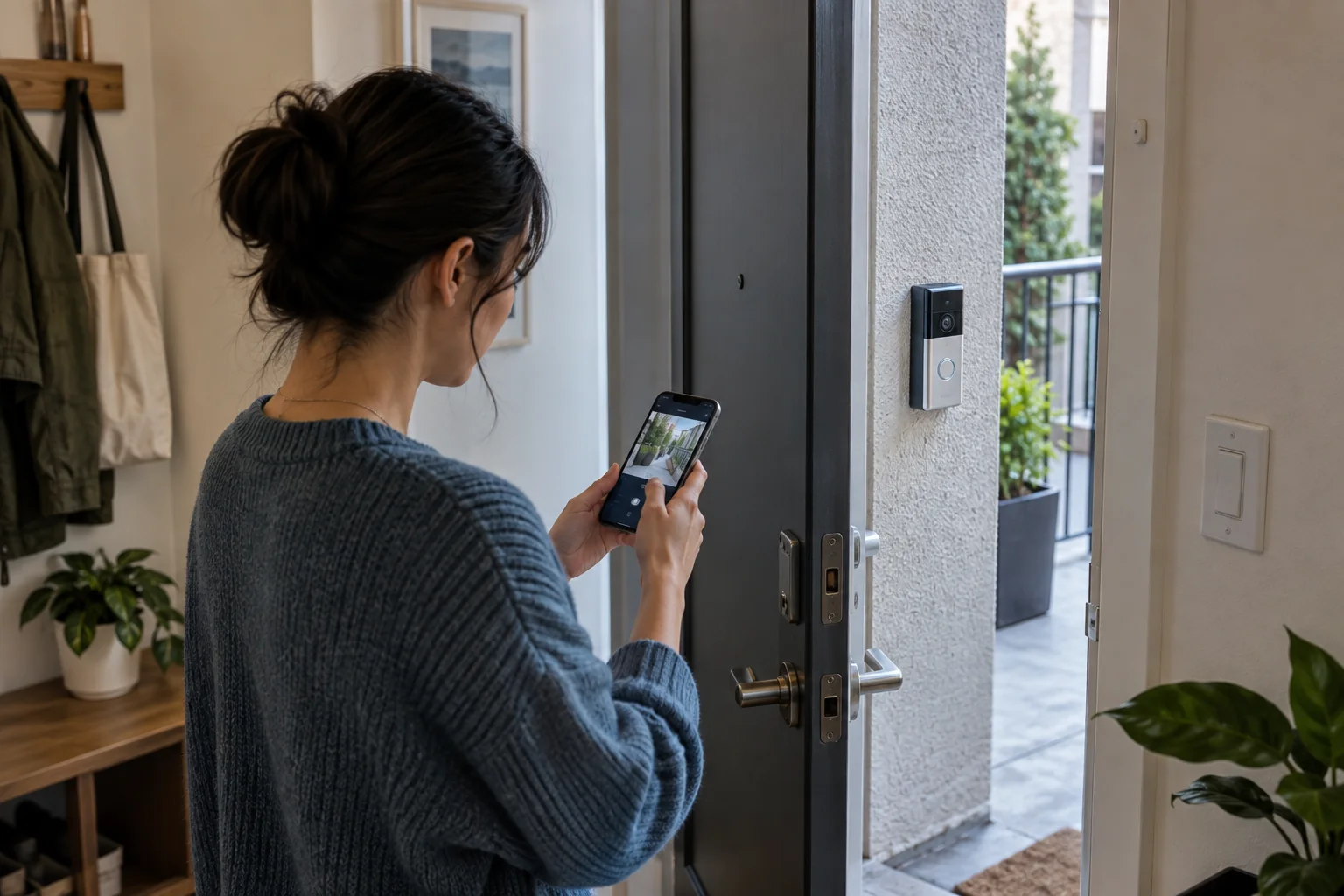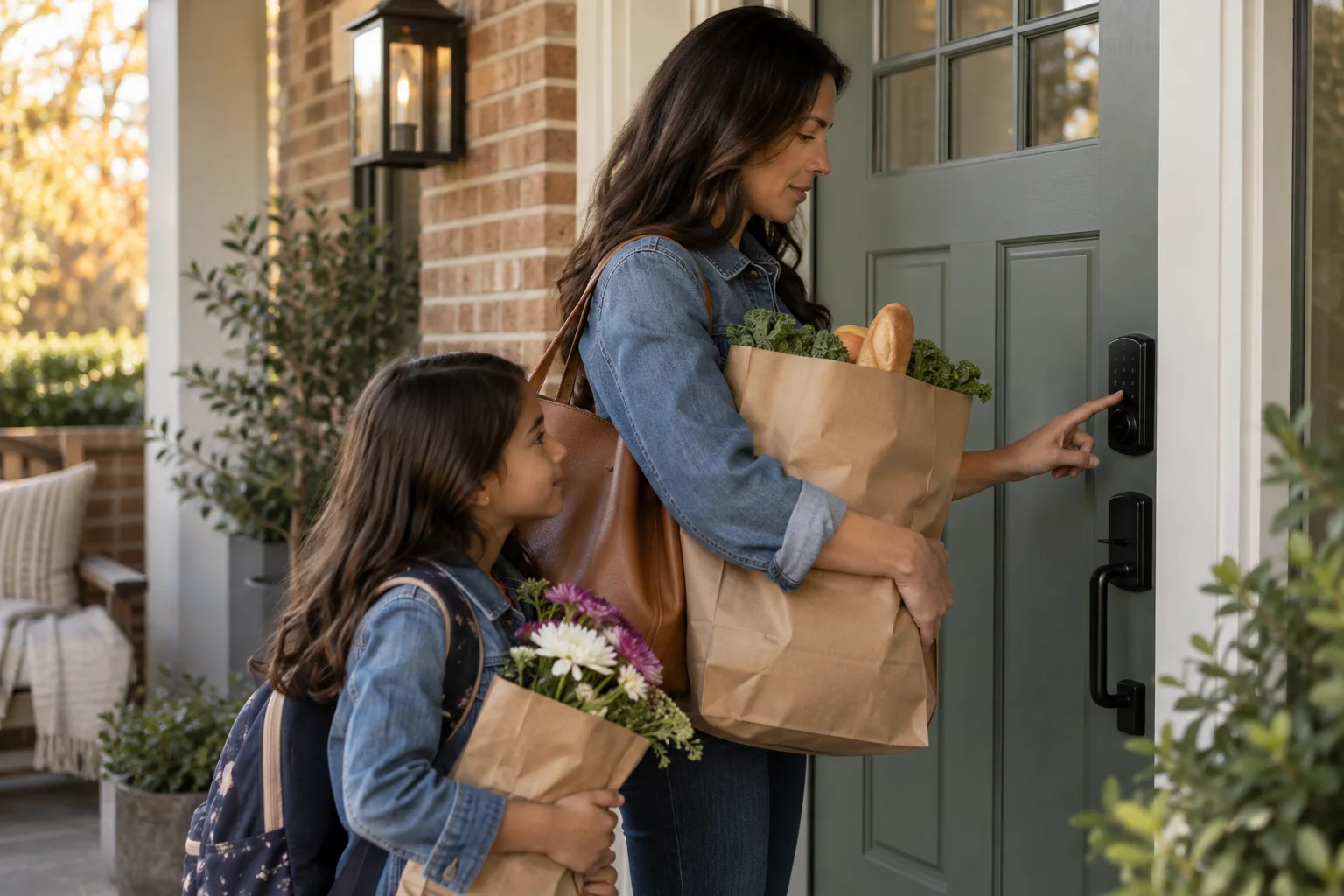
A smart lock is mechanical hardware first. If the door rubs, the bolt needs a push or the frame shifts seasonally, a motorized lock will struggle with the same problem. Correct alignment before adding electronics.
Then decide who needs access and how. A household may use phone keys, a cleaner may need a scheduled code, and a visiting relative may prefer a keypad. The strongest purchase supports those people without removing a physical fallback.
Best for
Owner-occupied homes that regularly share temporary or family access.
Skip it if
Your lease forbids hardware changes or the existing deadbolt does not move freely.
Start with the door, frame and household
Close the door gently and turn the existing bolt without pushing or pulling. Resistance suggests alignment work. Measure backset, door thickness and bore dimensions against the official template, and confirm whether the outside hardware is exposed to weather.
List every user and their preferred fallback. Children may remember a code, an older relative may want a key, and a short-term guest may need access that expires automatically. Avoid one shared permanent code for everyone because it cannot be revoked selectively.
Choose the connection you can maintain
Direct Wi-Fi can provide remote access without a separate bridge, while Thread, Bluetooth or a maker hub may reduce some power demands or tie into a broader ecosystem. The useful choice is the one your home already supports and your household understands.
Review what happens during an internet outage, a drained battery and a lost phone. Look for low-battery warnings, emergency-power options where offered and a mechanical key if that matters to your risk tolerance. Store the spare key somewhere accessible without placing it beside the door.
Use codes like a small access system
Give each regular person a unique code and remove it when no longer needed. Schedule service-provider access only for the required window. Turn on lock-state notifications selectively; constant family alerts quickly become background noise.
Remote locking cannot compensate for an open or misaligned door. Pair lock status with a door sensor if you need to distinguish “bolt extended” from “door securely closed,” and verify how your chosen platform reports both states.
Before you spend
- Check deadbolt alignment
- Measure the door and backset
- Plan a no-phone fallback
- Assign unique codes
- Understand renter or HOA rules